:
:  :
:  CUBICLES CODERS PVT LTD
Why Businesses Are Migrating Legacy Systems to the Cloud
Why Businesses Are Migrating Legacy Systems to the Cloud: A Transformation Guide
Estimated reading time: 8 minutes
Key Takeaways
- Legacy systems can hinder business innovation and growth.
- Cloud migration offers scalability, flexibility, and cost savings.
- Modern security protocols enhance cloud service resilience.
- Cloud adoption facilitates access to advanced technologies.
- A structured migration strategy can minimize disruptions.
Table of Contents
- Introduction
- The Problem with Legacy Systems: Why the Shift Matters
- How Cloud Migration Works: Key Insights
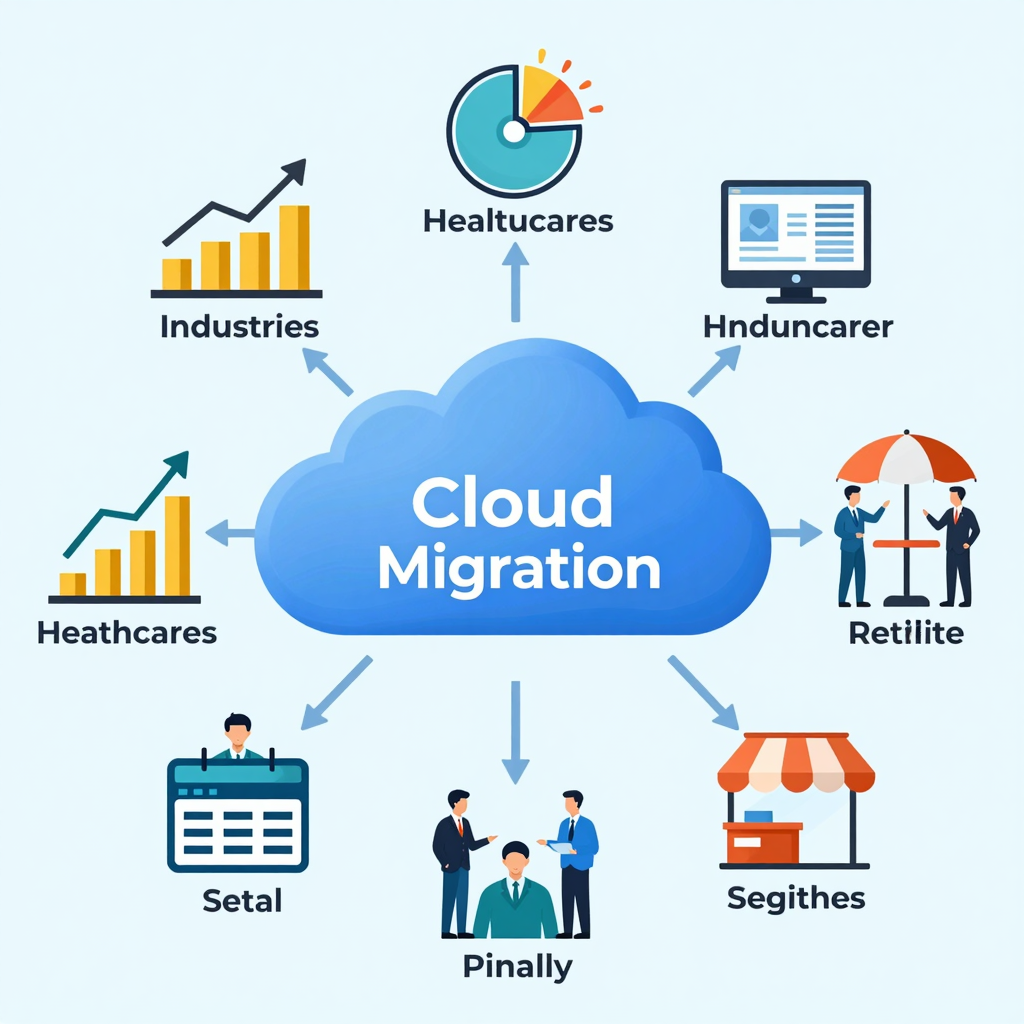
- Real Examples: How Industries Are Benefitting
- Step-by-Step Guide to Migrating Legacy Systems to the Cloud
- Benefits and Best Practices for Cloud Migration
- Future Trends in Cloud Migration
- Conclusion
- FAQ
Introduction
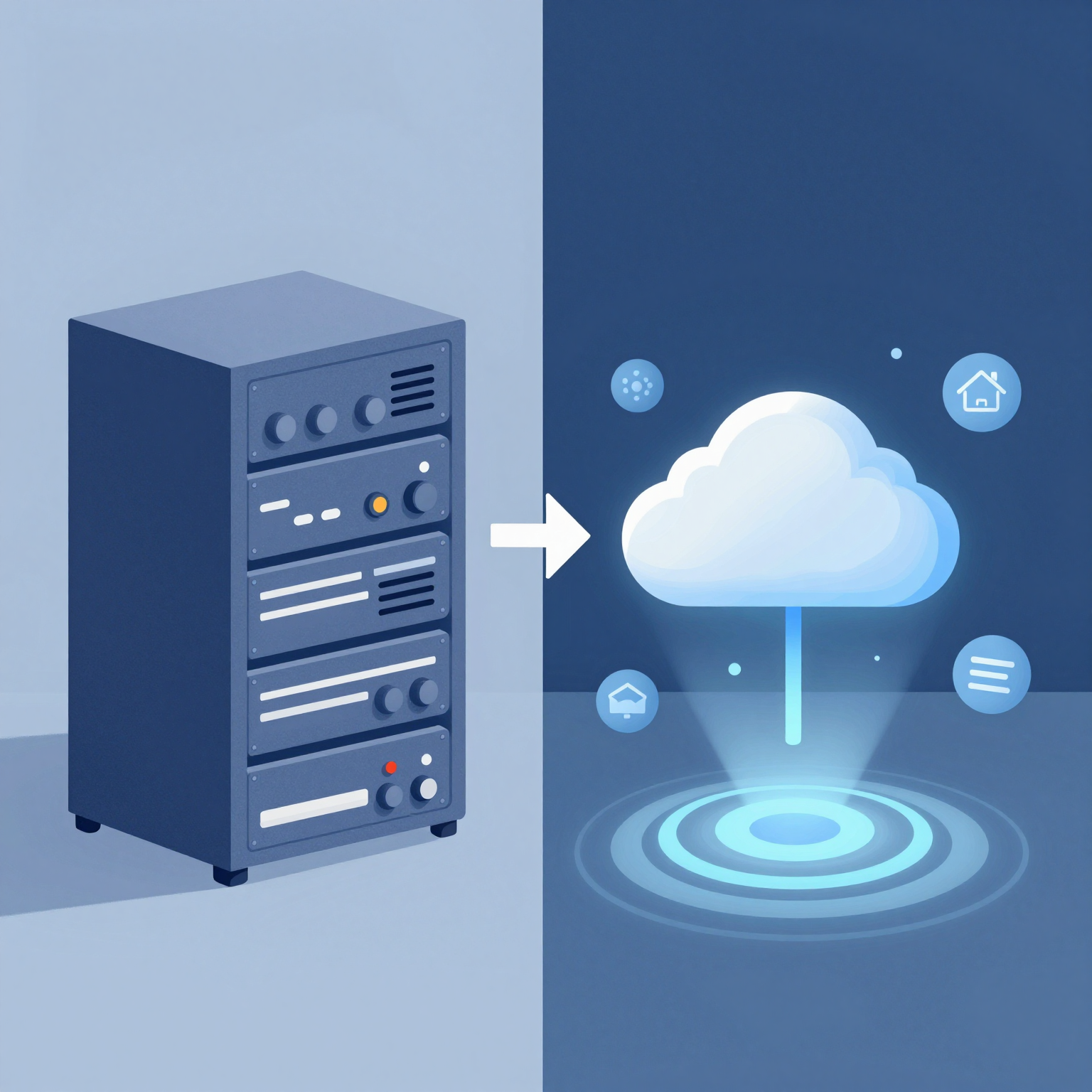
In the digital age, why businesses are migrating legacy systems to the cloud is a question that resonates across all industries globally. As digital transformation remains a priority for organizations striving to stay competitive and relevant, the shift from traditional on-premises systems to cloud infrastructure gains momentum. Legacy systems, while once the backbone of enterprise IT, can now become bottlenecks for innovation, scalability, and operational efficiency.
Cloud migration services offer a powerful solution by enabling companies to modernize their IT framework, reduce costs, and unlock new technological opportunities. This transformation is not just about upgrading infrastructure; it’s a strategic move to future-proof businesses and accelerate growth. From startups to multinational corporations, cloud adoption is reshaping how companies operate in India and worldwide.
In this guide, we will explore the compelling reasons behind this migration trend, highlight key benefits, share real-world examples, and offer practical steps for your own cloud migration journey. Whether you’re a CTO, IT manager, or business leader, understanding the nuances of this transformation will empower you to make informed decisions and harness the full potential of the cloud.
The Problem with Legacy Systems: Why the Shift Matters
Legacy systems, typically built decades ago, are often rigid, costly, and difficult to maintain. As businesses expand and evolve, these outdated platforms struggle to keep pace with emerging demands. Research shows that over 70% of IT budgets are spent on maintaining legacy infrastructure rather than innovation. This imbalance stifles agility and slows digital progress.
Some common challenges with legacy systems include:
- High operational costs: Aging hardware and software require frequent updates and repairs.
- Limited scalability: Fixed capacity restricts growth and responsiveness to market changes.
- Security vulnerabilities: Older platforms may lack modern security protocols, increasing risk.
- Integration difficulties: Legacy systems often struggle to connect with newer technologies like AI or IoT.
- Downtime and performance issues: Outdated infrastructure leads to slower processing and frequent outages.
Globally, businesses are waking up to the reality that staying on legacy platforms can lead to competitive disadvantage. Cloud migration is no longer optional but essential in today’s IT landscape.
How Cloud Migration Works: Key Insights
So, how does migrating legacy systems to the cloud actually work? Let’s break down the typical process and benefits:
Scalability and Flexibility
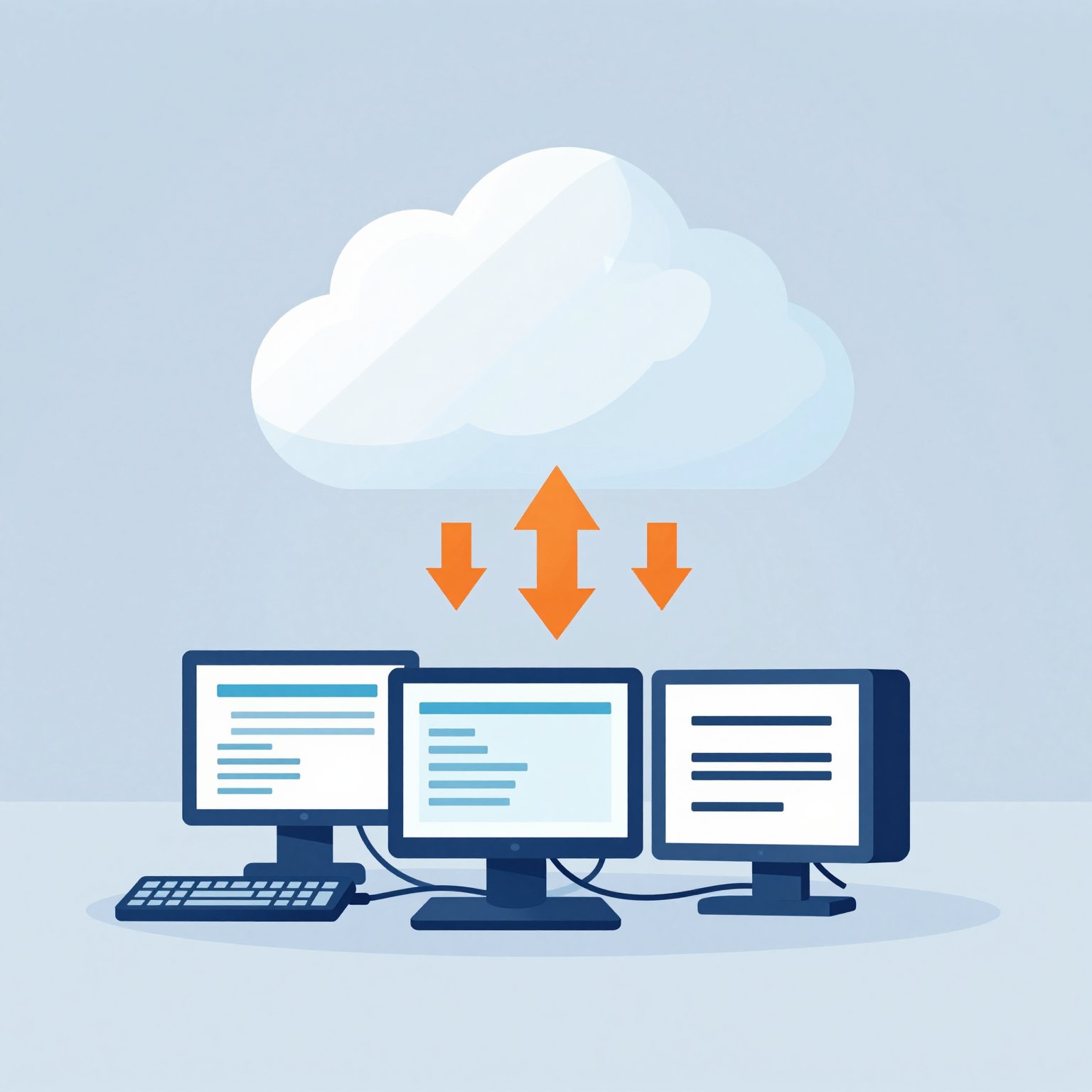
Cloud platforms such as AWS, Microsoft Azure, and Google Cloud provide scalable computing resources that can be adjusted dynamically based on workload. This flexibility helps businesses avoid over-provisioning or underutilization.
Cost Optimization
Cloud computing shifts capital expenses (CapEx) to operational expenses (OpEx), allowing companies to pay only for what they use. This results in significant cost savings by eliminating the need for expensive on-premises hardware and maintenance.
Enhanced Security and Compliance
Cloud providers maintain robust security protocols, including encryption, identity management, and threat detection. Compliance certifications (e.g., GDPR, HIPAA) are often part of the offering, reducing regulatory burdens on businesses.
Improved Performance and Availability
Cloud data centers offer high availability zones, automatic failover, and redundant backups, ensuring continuous uptime and disaster recovery capabilities.
Access to Advanced Technologies
By migrating to the cloud, businesses can easily tap into innovations like AI-powered analytics, machine learning models, big data processing, and IoT platforms, driving more intelligent decision-making.
Simplified IT Management
Cloud services reduce the complexity of infrastructure upkeep, enabling IT teams to focus on strategic growth initiatives instead of routine maintenance.
| Legacy System Challenge | Cloud Migration Solution |
|---|---|
| Fixed infrastructure limits scalability | On-demand resource scaling |
| High cost of hardware upkeep | Pay-as-you-go expenditure (OpEx) |
| Security risks due to outdated tech | Advanced, managed security & compliance |
| Poor integration with modern tech | Seamless API and platform integration |
| System downtimes and slow performance | High availability and redundancy |
Real Examples: How Industries Are Benefitting
Legacy system migration to the cloud is happening across sectors worldwide. Here are some diverse cases showcasing transformation success:
1. Financial Services
A leading bank migrated its core banking applications to the cloud, enhancing transaction speeds by 40% and reducing operational costs by 30%. This move also improved disaster recovery capabilities, ensuring 99.99% uptime and boosting customer trust.
2. Healthcare
A regional hospital transitioned its patient records and imaging systems to a cloud platform to enable remote access for doctors, improving patient care and reducing paper-based errors. Regulatory compliance with HIPAA was maintained through cloud provider certifications.
3. Retail
A global retailer moved its inventory and sales systems to the cloud, gaining real-time analytics that helped optimize stock levels and personalize marketing, increasing revenue by 15% in the first year.
4. Manufacturing
A manufacturing firm migrated its legacy ERP systems to leverage IoT sensors and predictive maintenance solutions in the cloud, reducing machine downtime by 25% and extending equipment lifespan.
5. Education
An educational institution shifted its legacy LMS to a cloud-based platform, allowing scalable virtual classrooms and seamless integration with AI-powered learning tools, enhancing student engagement during remote learning setups.
These examples illustrate that cloud migration is not limited to a single niche—it’s a versatile solution driving efficiency, security, and innovation across the board.
Step-by-Step Guide to Migrating Legacy Systems to the Cloud
Ready to embark on your transformation journey? Here’s a practical roadmap:
- Assessment: Evaluate existing legacy systems, data, and workloads to identify migration targets and challenges.
- Strategy Development: Define clear goals, select the right cloud model (public, private, hybrid), and choose a suitable provider.
- Planning: Create a detailed migration plan including timelines, resources, and risk mitigation strategies.
- Pilot Migration: Start with non-critical systems to test migration approaches and ensure compatibility.
- Migration Execution: Move applications, data, and infrastructure to the cloud using a phased or big-bang approach.
- Testing & Validation: Verify system functionality, performance, and security post-migration.
- Optimization: Fine-tune cloud resources, implement automation, and optimize costs using native cloud tools.
- Training & Support: Educate staff on new systems and provide ongoing support for smooth adoption.
Following these steps minimizes disruption and ensures a successful cloud migration outcome.
Benefits and Best Practices for Cloud Migration
Benefits
- Increased Agility: Rapid scaling and faster deployment of new services.
- Cost Efficiency: Lower total cost of ownership and better budget control.
- Enhanced Security: Up-to-date protection against evolving cyber threats.
- Innovation Enablement: Access to state-of-the-art technologies.
- Improved Collaboration: Cloud-based tools enhance teamwork and remote work.
Best Practices
- Conduct thorough system audits before migration.
- Choose cloud-native or hybrid cloud architectures where appropriate.
- Maintain strong governance for data integrity and compliance.
- Use automation tools for migration and monitoring to reduce errors.
- Develop a rollback plan in case of migration issues.
- Continuously train your IT personnel on cloud management.
Future Trends in Cloud Migration
The future promises even more evolution in cloud adoption:
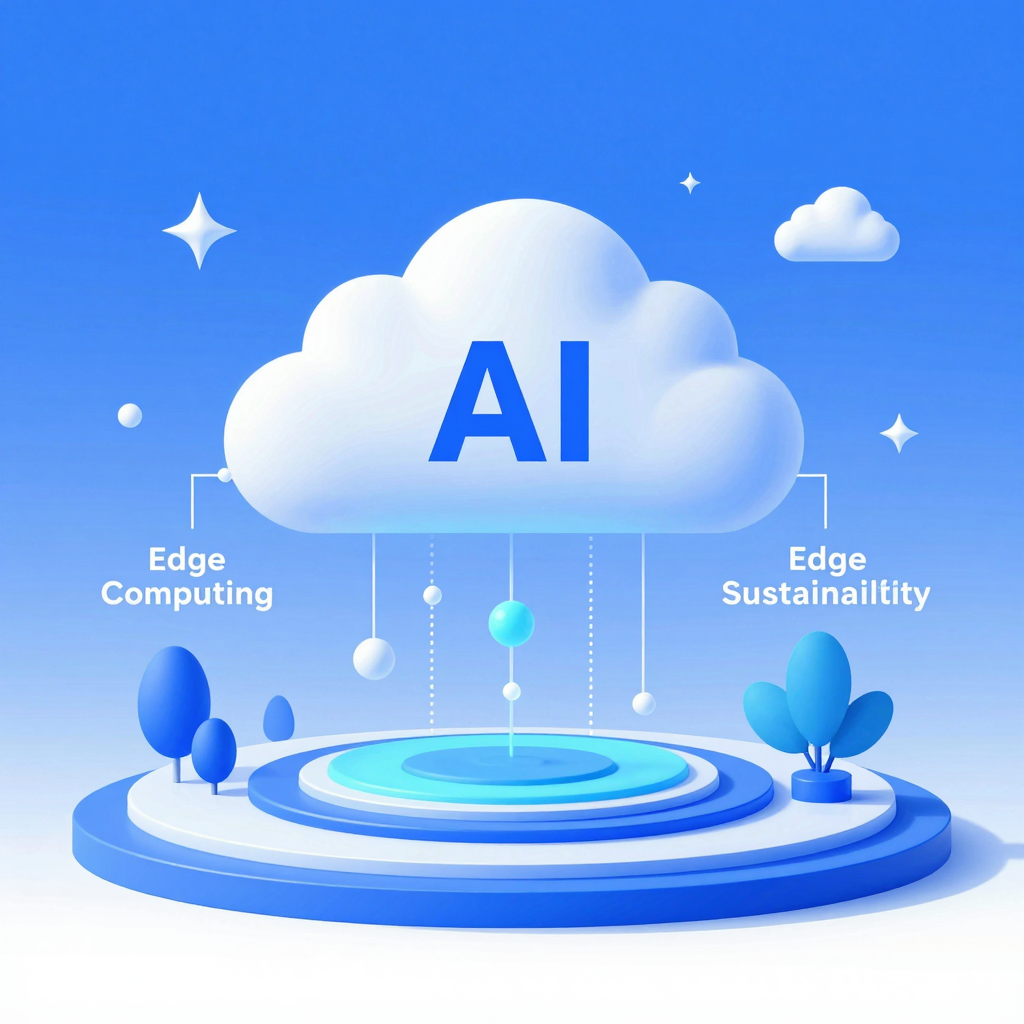
- Edge Computing Integration: Combining cloud and edge for ultra-low latency applications.
- AI-Driven Migration Tools: Automated assessment and migration powered by artificial intelligence.
- Multi-Cloud Strategies: Utilizing multiple cloud providers to optimize cost, performance, and redundancy.
- Sustainability Focus: Growing demand for green cloud services with reduced carbon footprints.
- Serverless Architectures: More businesses shifting toward serverless computing for efficiency.
Staying abreast of these trends will keep your cloud strategy resilient and future-ready.
Conclusion
Understanding why businesses are migrating legacy systems to the cloud is essential in a world where digital transformation remains a priority. Cloud migration offers unparalleled advantages—from scalability and cost savings to security and innovation—that legacy systems simply cannot match. By following a structured migration plan and leveraging expert cloud migration services, organizations can rapidly unlock new capabilities and drive long-term success.
Don’t let outdated technology hold your business back. Contact us today to start your transformation journey and embrace the power of the cloud.
FAQ
What is a legacy system?
A legacy system is outdated computing software or hardware that is still in use but often lacks modern capabilities.
How long does cloud migration take?
The timeline varies depending on system complexity but typically ranges from a few weeks to several months.
Is cloud migration secure?
Yes, reputable cloud providers offer advanced security features and compliance certifications.
Can all legacy systems be migrated to the cloud?
Most can be migrated, but some may require redesign or replacement for optimal cloud compatibility.
What are the cost implications?
Cloud migration converts capital expenses to operational expenses, often resulting in lower overall costs.
—
[Related post: How to Optimize Cloud Costs Effectively]
[Related post: Top Cloud Security Best Practices for Businesses]
[Source: Gartner Report: IT Spending and Digital Transformation Trends, 2023]
Recent Blog
Why Software Testing Matters for AI Applications
The Importance of Software Testing in AI-Powered Applications: Ensuring Quality…

How Platform Engineering Boosts Developer Productivity
How Platform Engineering Improves Developer Productivity: A Strategic Advantage for…
Building Secure AI Applications for Trust and Safety
Building Secure AI Applications: Best Practices for Trust and Security…