:
:  :
:  CUBICLES CODERS PVT LTD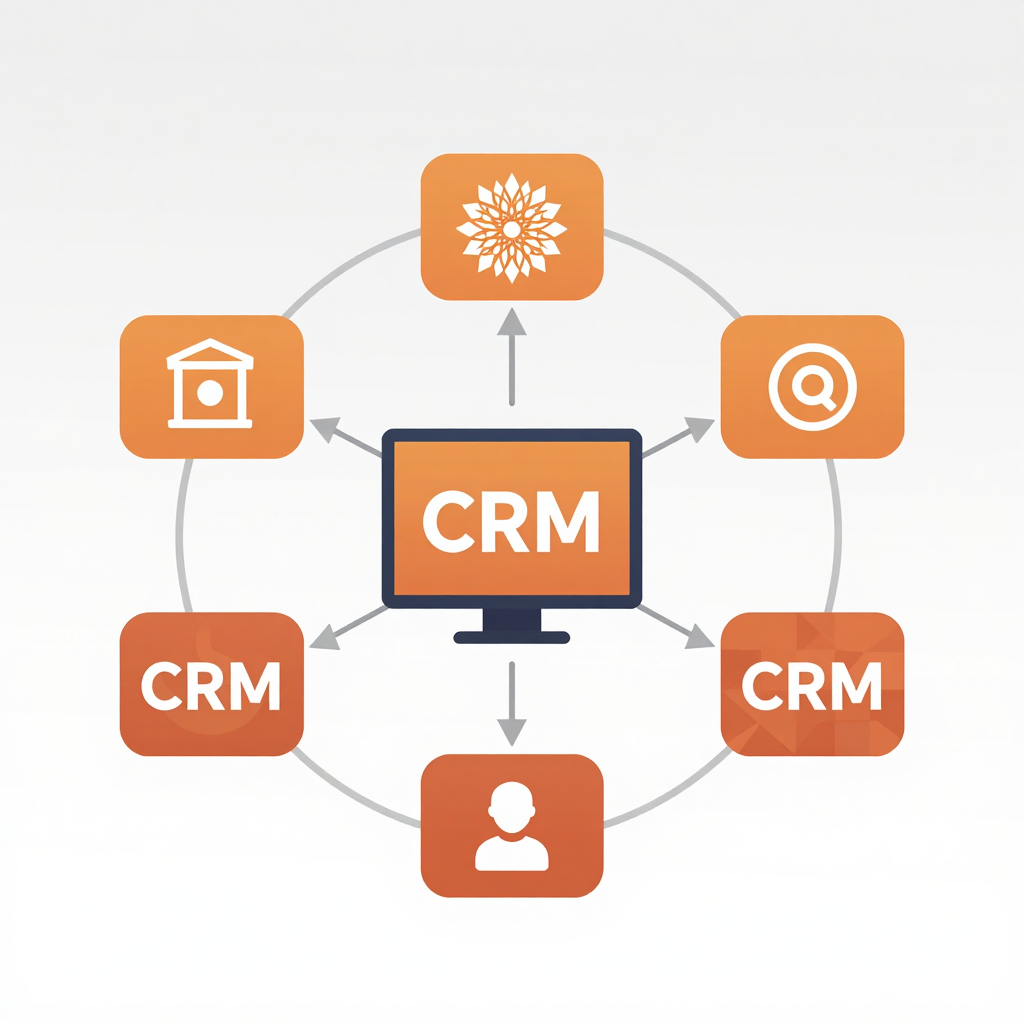
How Custom CRM Solutions Improve Business Efficiency
How Custom CRM Solutions Improve Business Efficiency: Unlocking Workflow Optimization and Business Benefits
Estimated reading time: 8 minutes
Key Takeaways
- Custom CRM solutions can significantly enhance workflow optimization.
- Tailored systems centralize data management and automate tasks.
- Real-world applications show increased efficiency and productivity.
- Integration capabilities streamline communication across teams.
- Future trends will involve AI and deeper systems integration.
Table of Contents

Introduction
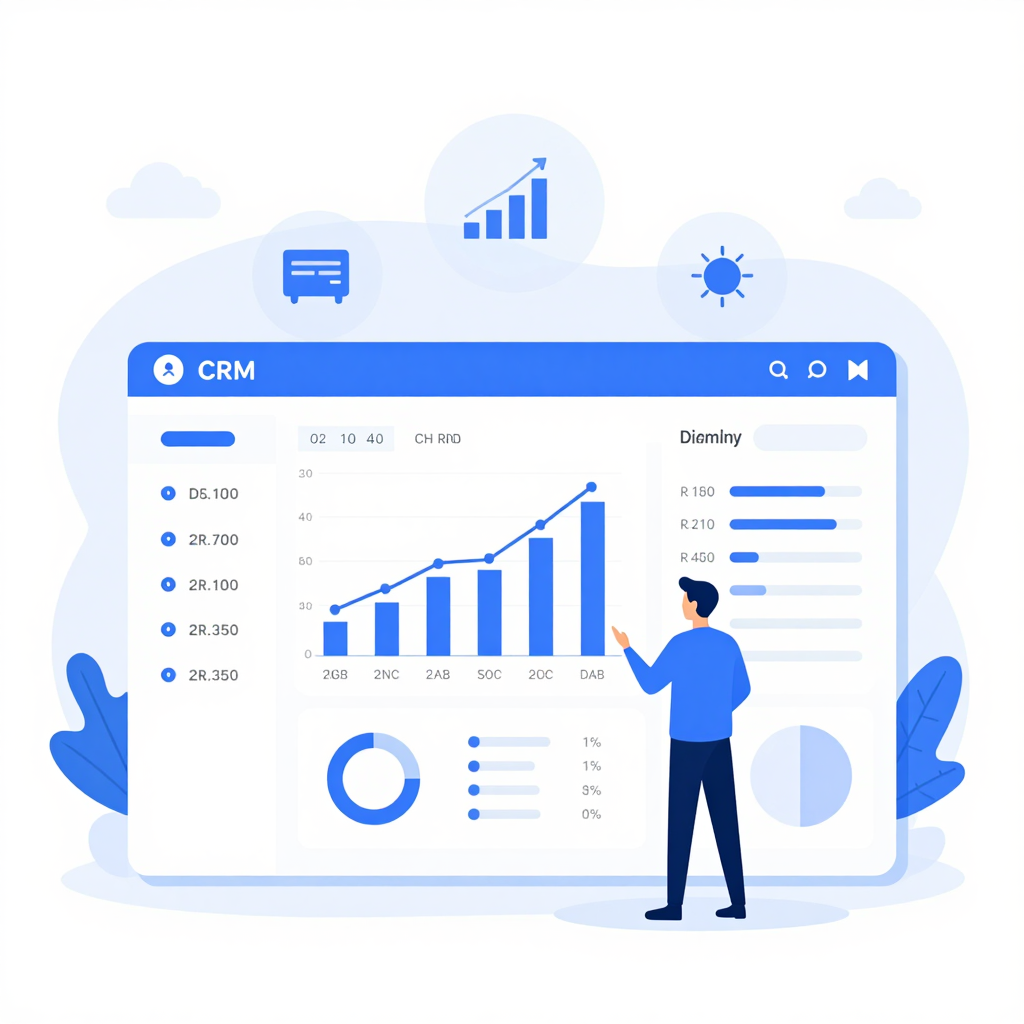
In today’s fast-paced business environment, how custom CRM solutions improve business efficiency is at the forefront of digital transformation strategies globally — from burgeoning startups in India to well-established firms in the US and Europe. With companies constantly seeking workflow optimization, businesses recognize that generic CRM software often falls short of addressing unique operational requirements and scaling challenges. Custom CRM development services are emerging as critical enablers, aligning technology with specific business goals and delivering measurable results.
Tailored to unique organizational workflows, custom CRM systems centralize data management, automate repetitive tasks, and streamline communication, offering companies a competitive edge. This article explores why businesses prioritize workflow optimization, details the tangible business benefits of adopting custom CRM solutions, and highlights how investing in CRM development services can drive sustainable growth. Whether you are a technology leader, sales manager, or entrepreneur, understanding these factors can revolutionize your approach to customer relationship management and operational efficiency.
Why Companies Seek Workflow Optimization

Workflow optimization has become a strategic imperative across industries. According to a 2023 McKinsey report, companies that optimized workflows saw up to a 30% increase in operational speed and a 25% reduction in errors. But why is workflow optimization so essential?
- Reduce manual processes: Automation eliminates time-consuming, error-prone tasks.
- Ensure consistency: Standardized workflows maintain quality and compliance.
- Enhance collaboration: Integrated workflows foster communication between departments.
- Support scalability: Smooth operations grow alongside the business.
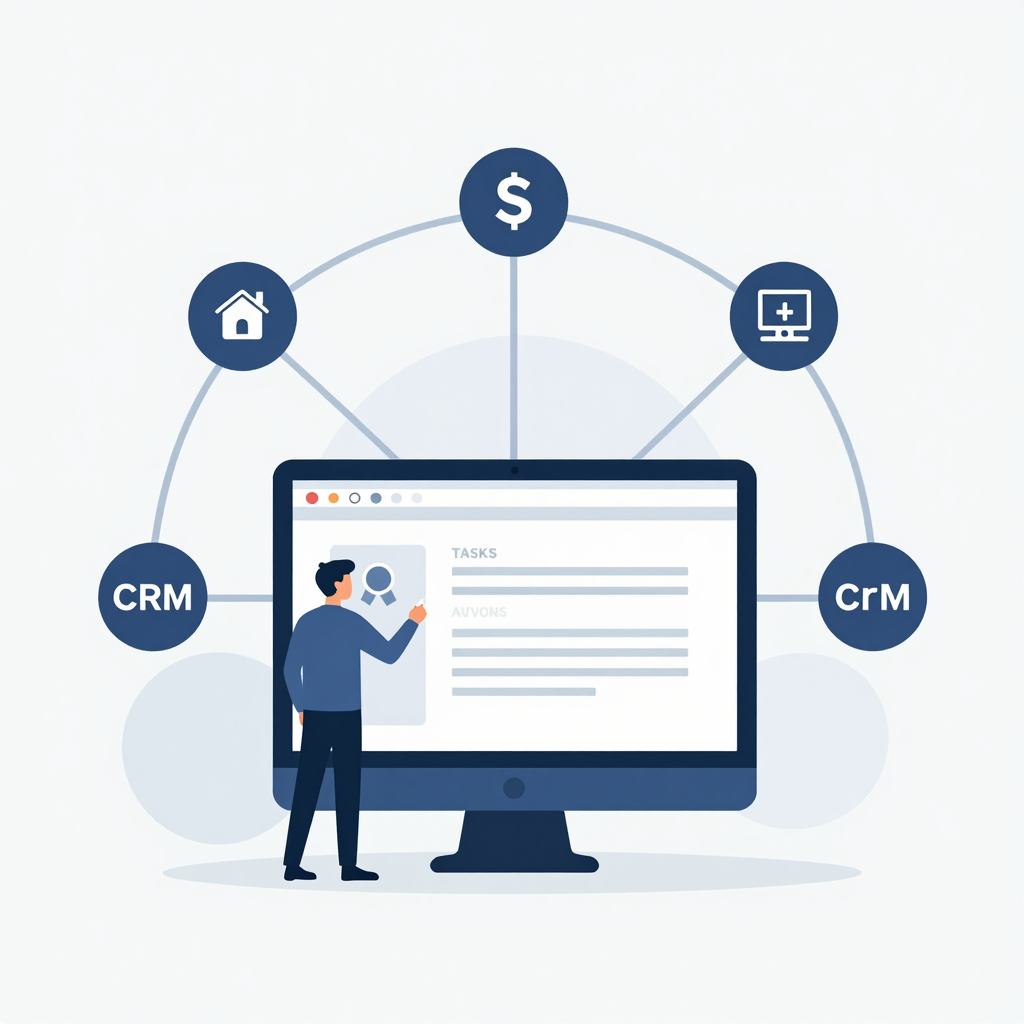
Custom CRM solutions play a pivotal role by digitally mapping and automating core workflows, from lead generation and sales tracking to customer support and marketing segmentation. Integration with ERP, marketing automation, and financial platforms creates a unified workflow environment — simplifying task transitions and data flow.
Integration Features That Optimize Workflow
| Feature | Benefit | Impact on Business |
|---|---|---|
| Automated Task Routing | Assigns leads/signals to correct teams | Speeds response time |
| Centralized Communication | Single interface for emails, calls, chats | Reduces communication gaps |
| Flexible Reporting | Real-time insights and alerts | Proactive decision-making |
How Custom CRM Solutions Improve Business Efficiency
1. Tailored to Specific Business Needs
Off-the-shelf CRM platforms often provide excessive features irrelevant to certain businesses, creating clutter and slowing down users. Custom CRM solutions eliminate this by focusing on what truly matters — workflows specific to the company’s sector, size, and culture. For example:
- A manufacturing company may require complex inventory and order tracking integrated into the CRM.
- A healthcare provider focuses on patient data security and appointment scheduling.
- An e-commerce business benefits from combining customer purchase history with marketing automation.
Customization increases user adoption and drives efficiency by removing unnecessary distractions.
2. Enhanced Data Management & Accessibility
Custom CRMs centralize customer information, allowing multiple teams to access and update data in real time. This eliminates duplicate entries and data discrepancies. Improved data accuracy leads to:
- Better segmented marketing campaigns.
- Faster lead qualification processes.
- More personalized customer service.
3. Streamlined Communication
Integrating all communication channels — email, phone, social media, and chat — into the CRM ensures no client inquiries are missed. Automated reminders and follow-up alerts enhance timely customer engagement, crucial for retention and conversion.
4. Automation of Repetitive Tasks
Custom workflows automate routine activities such as lead distribution, invoicing, email responses, and performance reporting. By freeing employees from tedious tasks, they can focus on strategic priorities, boosting workplace satisfaction and output.
5. Insightful Analytics and Reporting
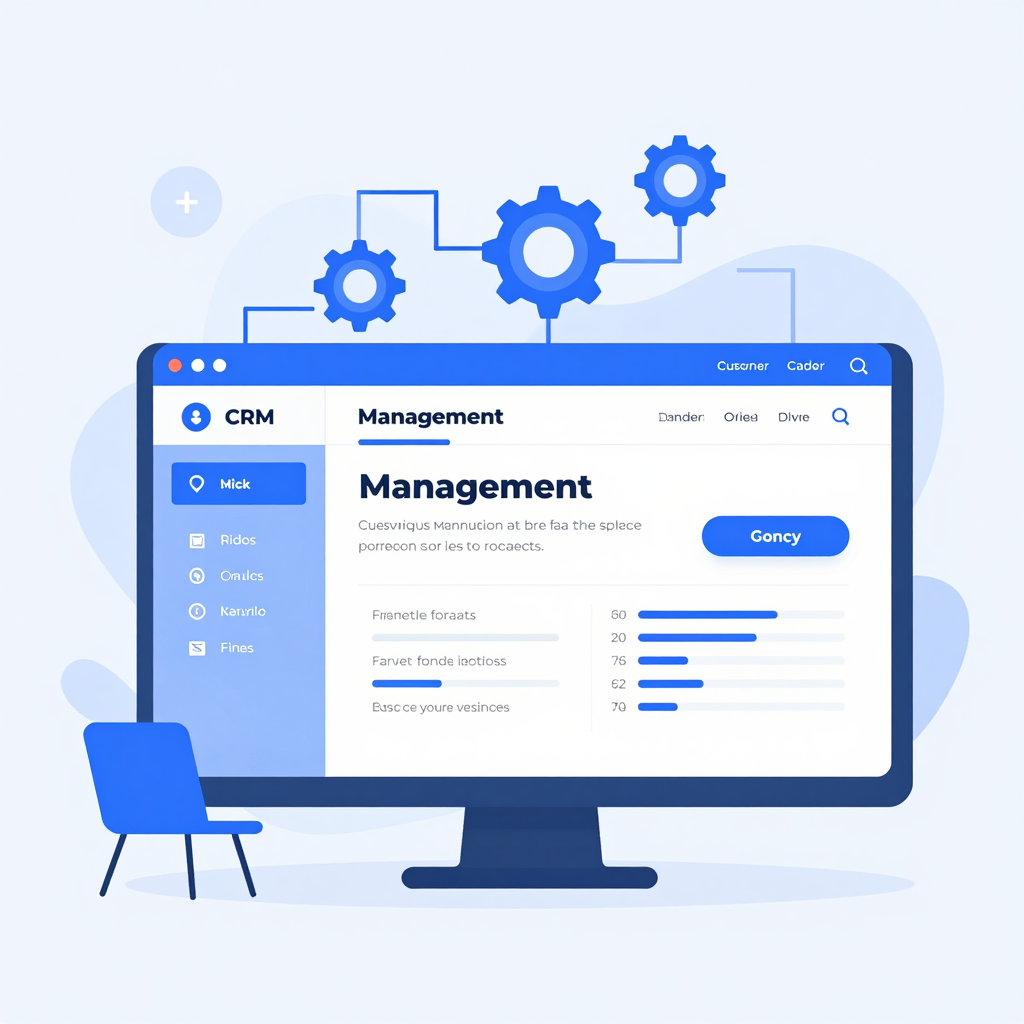
Built-in dashboards provide visual insights into sales performance, campaign effectiveness, and customer trends. Companies can make data-driven decisions swiftly, adjusting tactics to maximize ROI dynamically.
Real-World Examples of Custom CRM Impact
Tech Startup: Operational Agility
A fintech startup implementing a custom CRM experienced a 40% reduction in sales cycle time by automating lead scoring and follow-up sequences. Integration with their billing system ensured seamless invoice generation upon deal closure.
Healthcare Provider: Enhanced Patient Management
A hospital integrated patient scheduling and records management into their CRM, improving appointment adherence by 20% and reducing administrative overhead.
Retail Chain: Boosted Customer Loyalty
A retail brand utilized custom CRM analytics to tailor promotional offers based on purchase history, increasing repeat customer visits by 35%.
Manufacturing Firm: Streamlined Supply Chain
By mapping supply chain tasks in a custom CRM, a manufacturing company reduced order processing time by 25% and increased on-time delivery rates.
Non-Profit Organization: Donor Engagement
An NGO created custom donor engagement workflows that automated thank-you notes and event reminders, elevating donor retention rates by 15%.
Step-by-Step Guide to Implementing a Custom CRM Solution
- Identify Business Needs: Conduct workshops to understand processes and pain points.
- Define Objectives: Set clear KPIs such as productivity gains or lead conversion improvements.
- Choose a CRM Development Partner: Look for expertise aligning with your industry.
- Design Workflow Maps: Visualize and document workflows to be automated.
- Develop and Customize: Build CRM modules tailored to your requirements.
- Integrate Existing Tools: Link ERP, marketing software, and communication apps.
- Train Staff: Ensure comprehensive training for smooth adoption.
- Monitor and Iterate: Use analytics to optimize and enhance features continually.
Following this structured approach ensures your custom CRM addresses real challenges and delivers measurable efficiency improvements.
Business Benefits of Custom CRM Solutions
- Increased Productivity: Less manual data entry means more time for revenue-generating activities.
- Improved Customer Satisfaction: Faster response times and personalized communication build loyalty.
- Higher Sales and Revenue: Pipeline visibility enhances lead nurturing and conversions.
- Cost Efficiency: Reduces dependence on multiple software tools and lowers training expenses.
- Competitive Advantage: Agile systems support rapid adaptation to market changes.
Future Trends in CRM Development
Looking ahead, custom CRM solutions will increasingly incorporate:
- Artificial Intelligence: Predictive analytics to forecast sales and customer behaviors.
- Voice Interfaces: Hands-free CRM access via virtual assistants.
- Advanced Integration: Deeper connectivity with Internet of Things (IoT) devices and blockchain for secure data handling.
- Hyper-Personalization: AI-driven customization at an individual customer level.
- Mobile-First Solutions: Empowering remote and field teams with full CRM functionality on mobile devices.
These innovations will push the boundaries of business efficiency and customer engagement.
Conclusion
How custom CRM solutions improve business efficiency is no longer theoretical—it’s a proven strategy adopted worldwide. By tailoring systems to specific workflows, centralizing data, enabling automation, and providing powerful analytics, companies achieve faster decision-making, greater productivity, and improved customer experiences. As businesses seek workflow optimization amid growing complexity, investing in expert CRM development services offers a competitive edge and future-proof growth.
Contact us today to explore how a custom CRM can revolutionize your business operations and drive success.
FAQ
How long does it take to develop a custom CRM?
Typically, custom CRM development takes 3-6 months, depending on complexity and integration requirements.
Can a custom CRM integrate with existing software?
Yes, custom CRMs are designed to integrate with ERP, marketing tools, accounting software, and more.
Is a custom CRM suitable for small businesses?
Absolutely. Custom CRMs can be scaled and tailored to meet the specific needs of businesses of all sizes.
What are the maintenance costs for a custom CRM?
Maintenance depends on usage and feature updates but is generally more cost-effective than multiple off-the-shelf subscriptions.
How does automation within a CRM improve business outcomes?
Automation reduces manual errors, accelerates task completion, and frees staff to focus on strategic initiatives, enhancing overall performance.
Recent Blog

Build a Multi-Vendor Marketplace for Startup Success
Build Your Own Multi-Vendor Marketplace Like Amazon: A Startup’s Guide…

How AI Chatbots Improve Customer Support and Sales
How AI Chatbots Improve Customer Support & Sales: Unlocking the…
10 Signs Your SME Needs Custom Software Now
10 Signs Your Business Needs a Custom Software Solution Estimated…